Case settings
Case settings holds the case's coverage window and its archive and delete controls. To change the parties, the court, or the case's dates, use Key facts on the Caseboard.
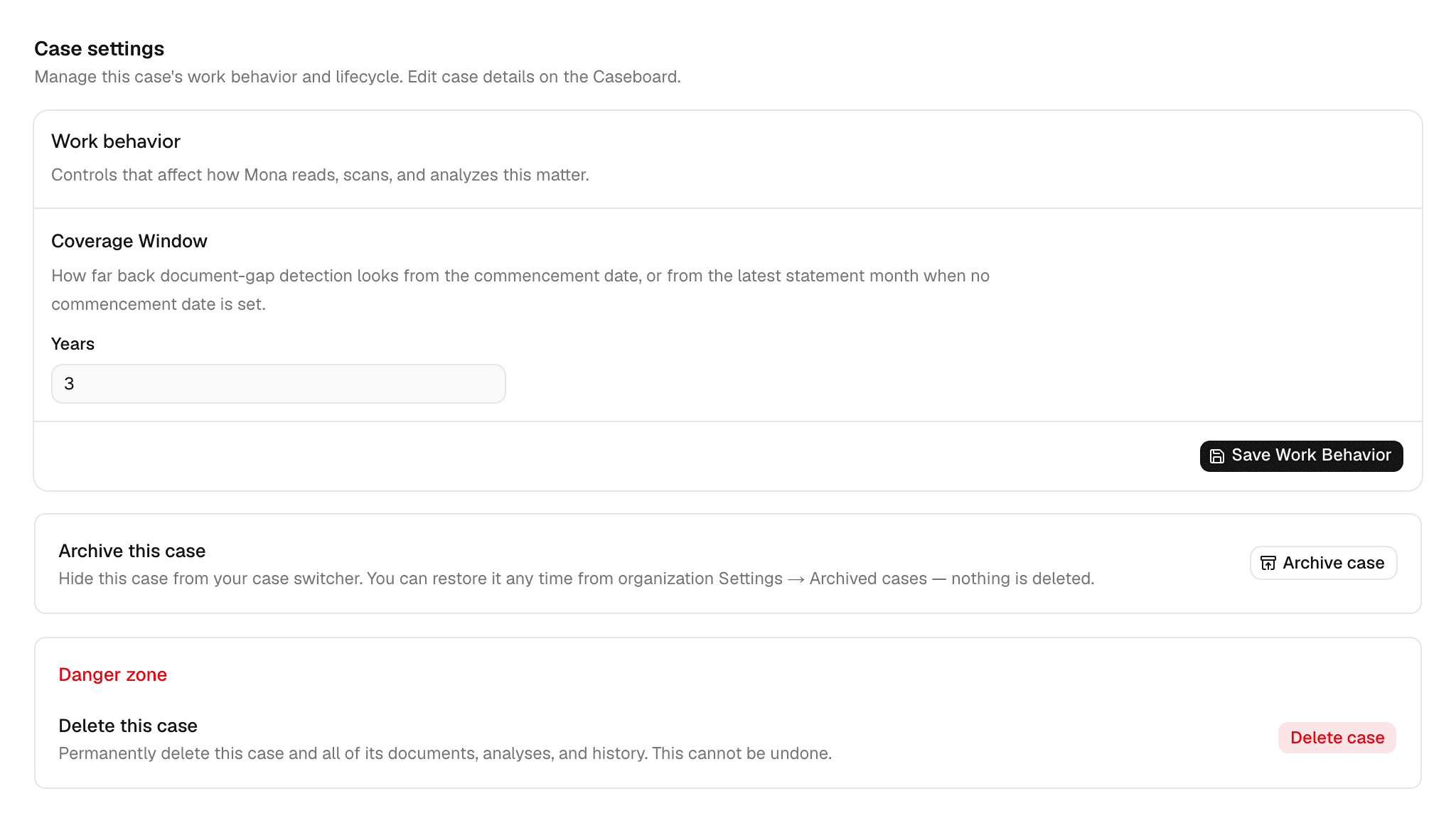
Coverage window
The coverage window is how far back Mona looks for gaps in the case's statements. Enter a whole number of years from 1 to 10, then click Save Work Behavior. A new case starts at 3.
The window ends at the commencement date's month, or at the latest statement's month when the case has no commencement date. With a commencement date in March 2024, a 3-year window runs from April 2021 through March 2024.
Accounts, Timeline, and Missing accounts use this window to show which months the case should have. It doesn't limit what Mona reads: Mona still reads every document you upload.
Archiving and restoring
Click Archive case to hide a closed or paused case from your case switcher. Nothing is deleted.
To bring it back, click Restore case on this page, or open your firm's settings, go to Archived cases, and restore it there.
Deleting
Delete works only on a case that's still empty. Once a case holds documents or Mona's work, the attempt fails with an error and nothing is removed, so archive the case instead.
To delete an empty case, click Delete case under Danger zone, or find it in Archived cases. Type the case's name to confirm. This removes the case for good and can't be undone. Your firm's usage totals stay in Usage.